See what’s nextNext
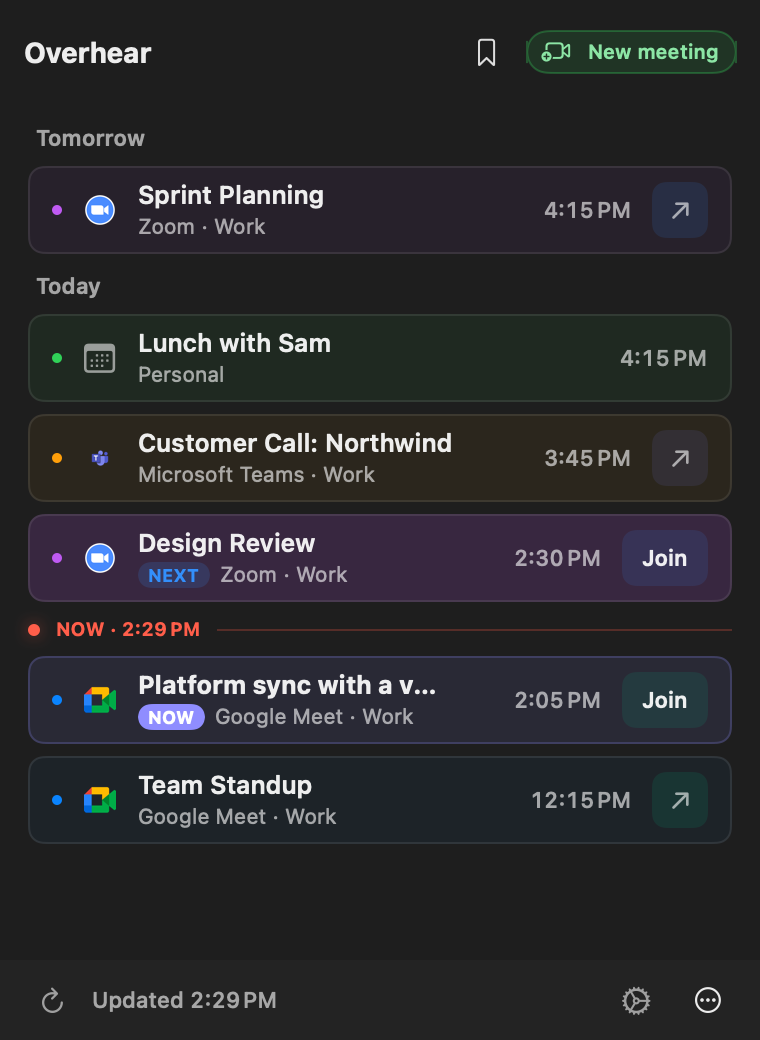
Your next meeting and how long until it starts, right in the menu bar. Sharing your screen? Switch to a plain “Meeting” label and keep the title to yourself.

Free on the Mac App Store
Overhear sits in your Mac's menu bar, shows what's coming up today, and opens the right meeting in the right app when it's time. No account, no tracking, and nothing leaves your Mac.
Free · macOS 14 or later · a tiny 2.1 MB download · no data collected.
Features
Finding the invite, checking the time, wondering which app it opens in — Overhear handles all of it. Your next meeting is always in the menu bar, one click from joining.
Today4 things Overhear does for you
Your next meeting and how long until it starts, right in the menu bar. Sharing your screen? Switch to a plain “Meeting” label and keep the title to yourself.
Join from the menu bar, your meeting list, a reminder or a keyboard shortcut. Zoom, Google Meet, Teams, Webex and dozens more open straight in their own apps.
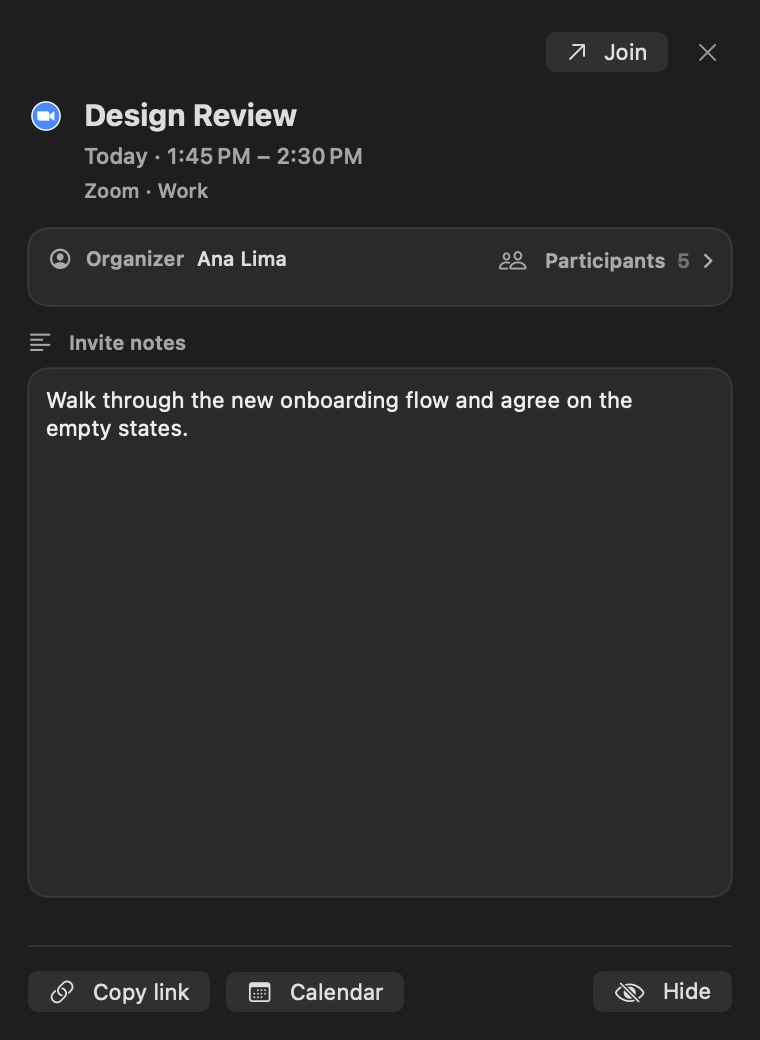
See the time, who’s hosting, who’s invited and the notes from the invite. Copy the link or open the event in Calendar.
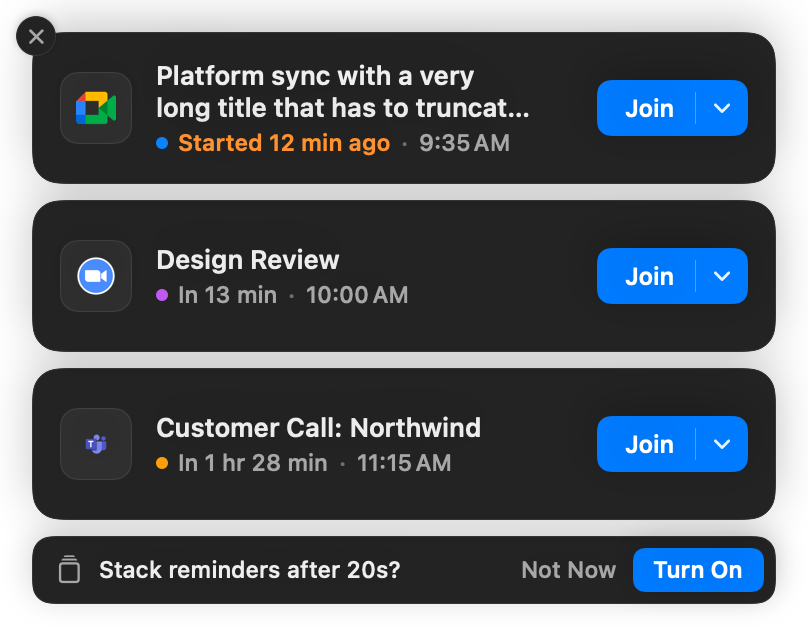
A heads-up before each meeting, with snooze right beside join. If you like, Overhear can join for you the moment a meeting starts.
Calendars
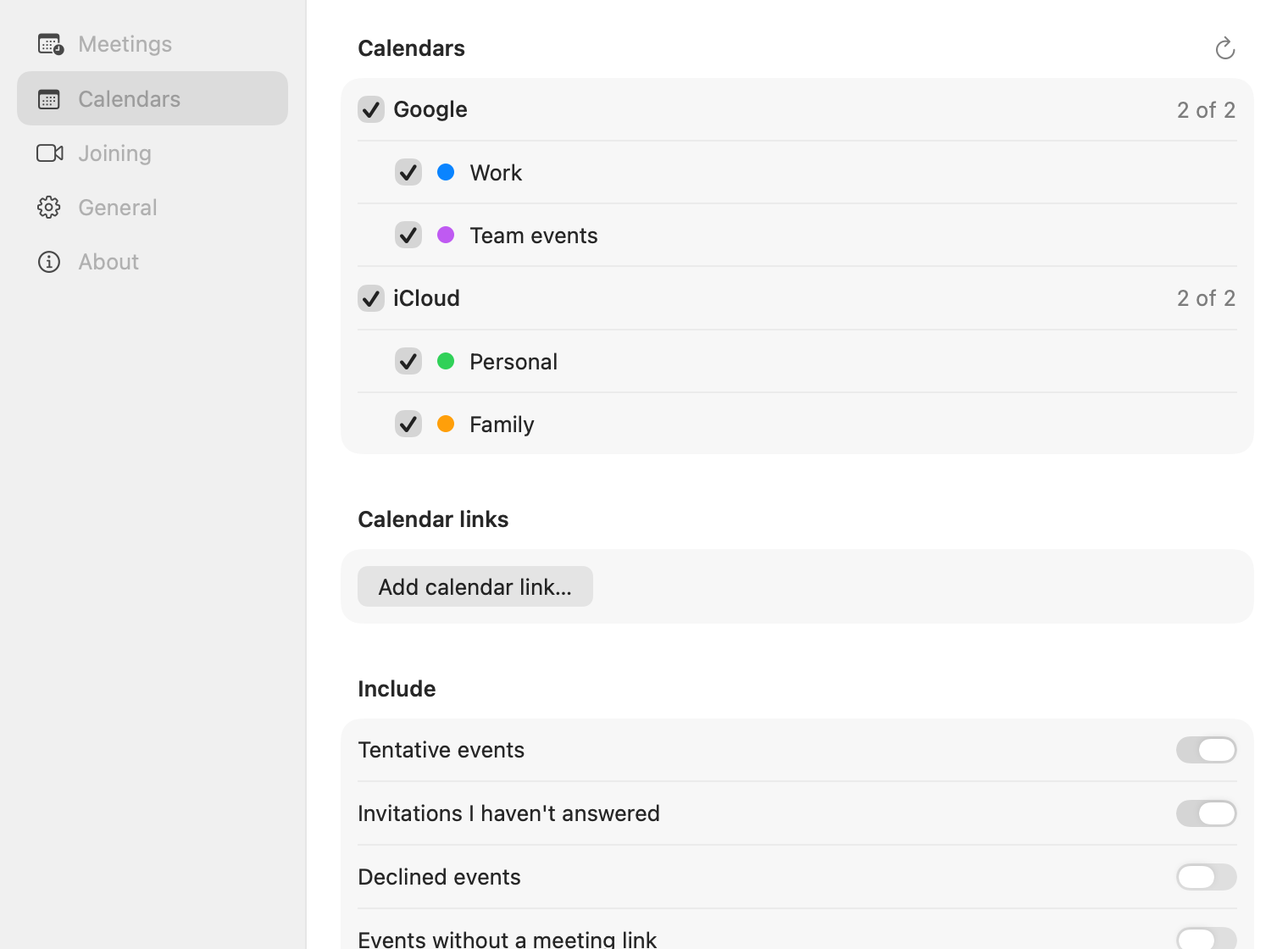
Overhear shows the calendars already set up on your Mac. Would rather not add an account to your Mac? Paste in the calendar's link instead.
Privacy
Overhear reads your calendars on your Mac and sends nothing anywhere. Its App Store privacy label is Data Not Collected. Calendar links are locked away in your Mac's Keychain, and your meeting names never end up in system logs.
Download
Free on the Mac App Store for macOS 14 or later. Would rather skip the store? Download it directly — it keeps itself up to date. Want new features early? Join the TestFlight beta.
Send an email with your macOS version, the meeting service you were using, and what you expected to happen. Overhear is made by one person, so the more detail you share, the faster the fix.