Telemetry & controls
Latency, throughput, power draw, obstruction map, alignment, and GPS — plus audited reboot, stow, snow-melt, sleep schedule, and speed test.
Local Starlink control on your router
Turn the router behind your Starlink dish into a full-time monitor and control panel — dish telemetry, 30-day history, a merged outage timeline, alerts, and guarded controls, all on the router with no Starlink account and no cloud.
wget -qO- https://keithah.github.io/openwrt-starwatch/install.sh | shSigned opkg feed · aarch64_cortex-a53 (GL.iNet & OpenWrt) · AGPL-3.0.
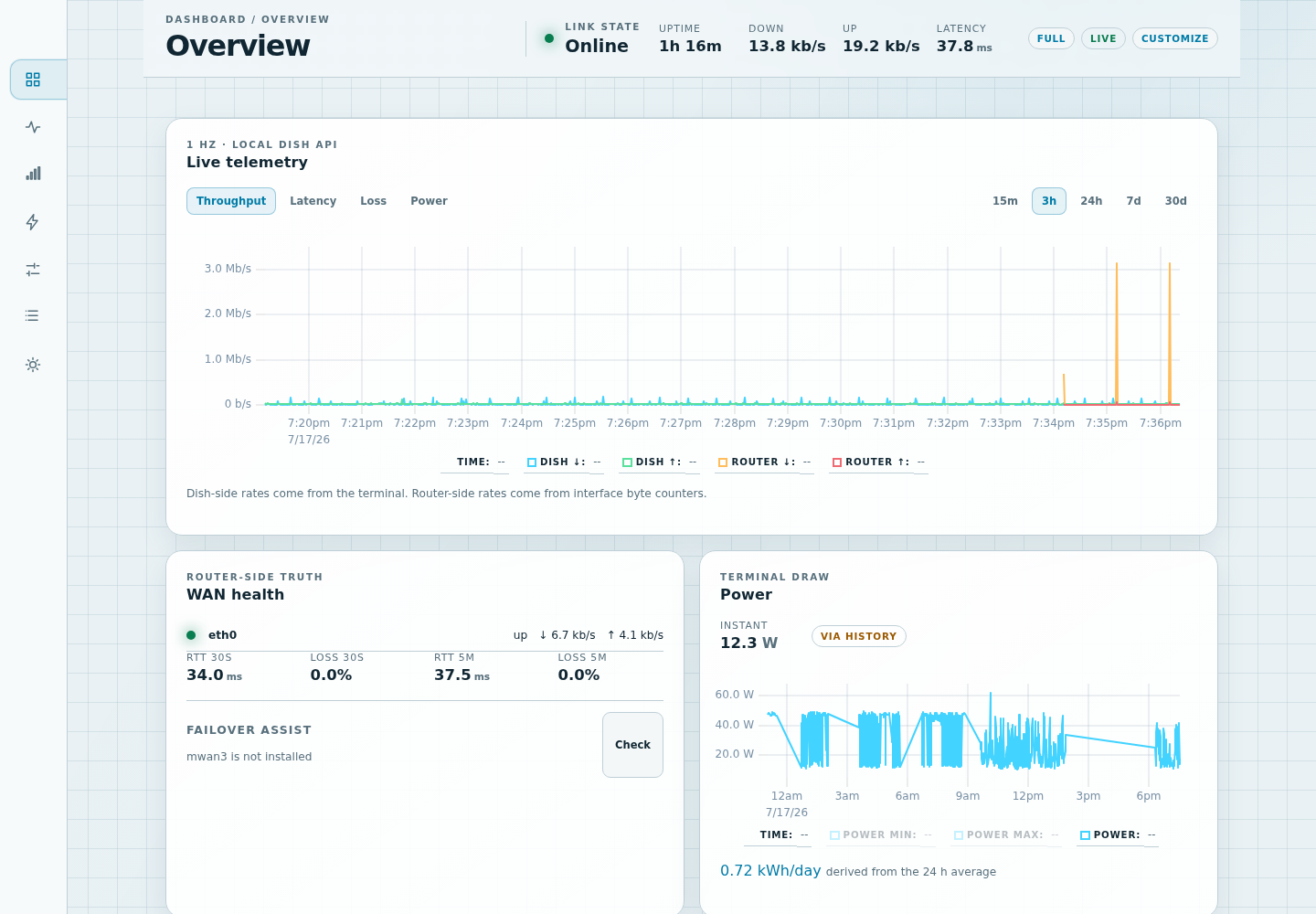
Starwatch reads the dish's local gRPC API once a second, keeps history the dish itself can't, and surfaces it in a dashboard embedded right in LuCI and the GL.iNet panel.
Latency, throughput, power draw, obstruction map, alignment, and GPS — plus audited reboot, stow, snow-melt, sleep schedule, and speed test.
30 days of on-router history, and a merged timeline that tells a dish outage apart from an unreachable dish apart from an upstream path problem.
A self-healing 192.168.100.1/32 route keeps the dish reachable even when a VPN owns the default route — without touching your general routing.
On double-NAT setups, read and safely change the Starlink router's Wi-Fi and clients — readback-confirmed, with write-only passphrases.
Panel and phone
The seven-section icon rail collapses to a mobile drawer, so the full Overview, telemetry, and controls travel from the GL.iNet Applications panel to your phone — token-authenticated and offline-first.
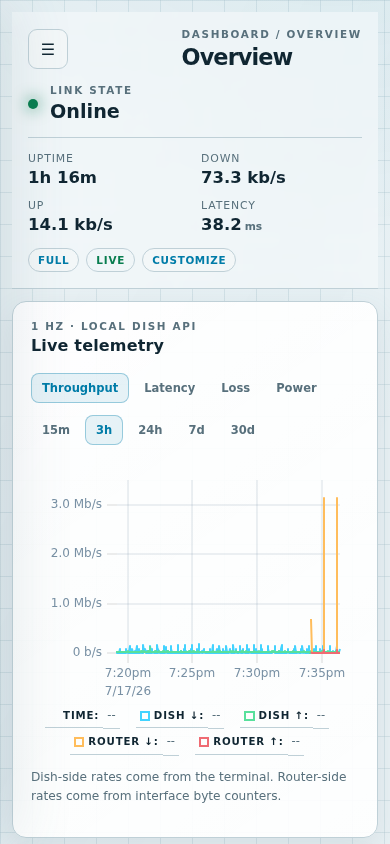
SSH into your router as root and run the one-liner. It checks your architecture, picks the GL.iNet or LuCI package automatically, pins the feed's signing key, and never forces a downgrade. Then open Applications → Starwatch, Services → Starwatch, or port 9633.
wget -qO- https://keithah.github.io/openwrt-starwatch/install.sh | shStarwatch is AGPL-3.0. Report bugs or request features as a GitHub issue; security reports go through the private policy in SECURITY.md.