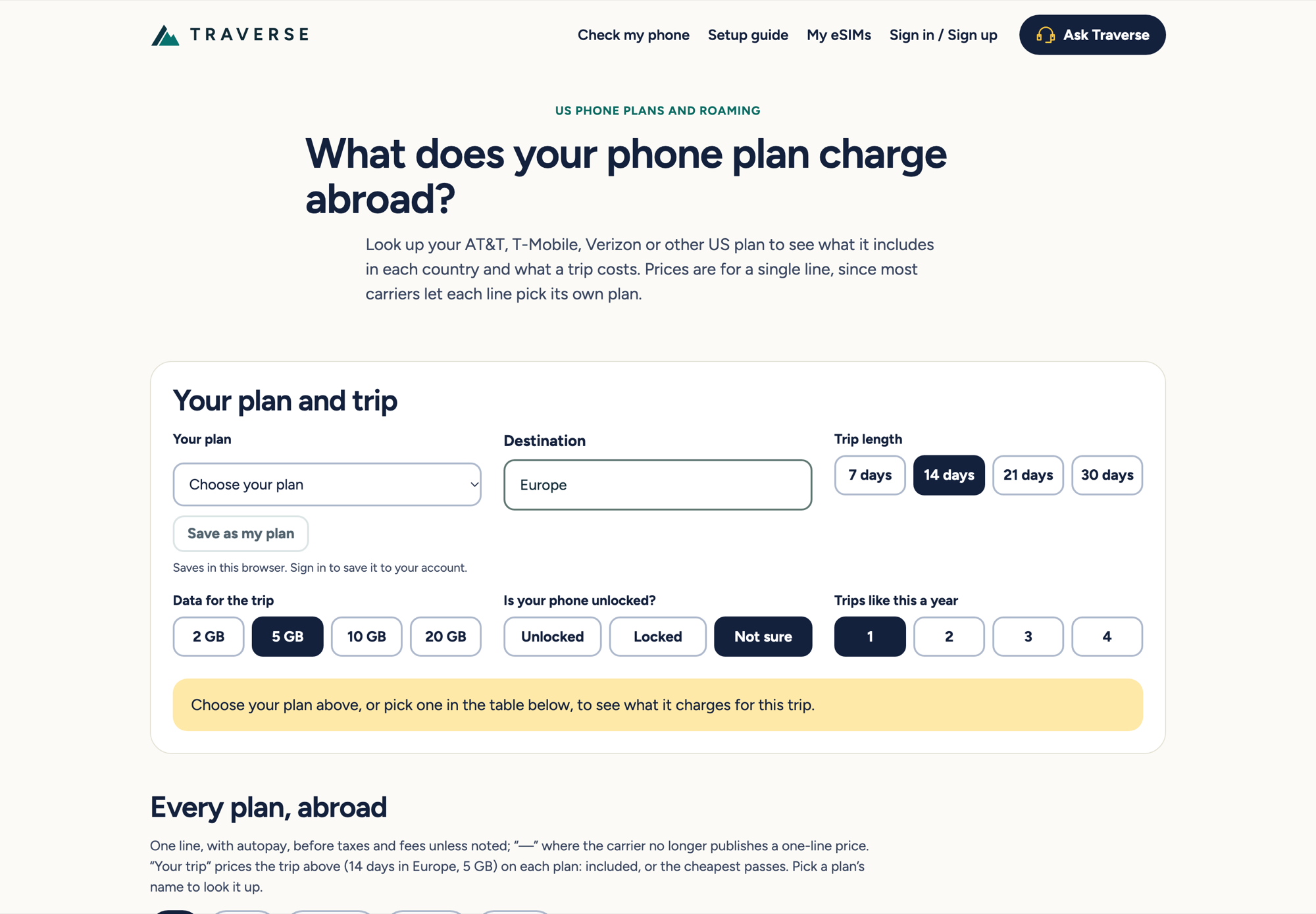
7 days at $10–15 a day — and you're charged for any day you use data at all.
Travel eSIMs · traverse.quest
Land. Connect. Skip the roaming bill.
Your carrier wants $10–15 for every day you dare to open a map abroad. Traverse is one price for the whole trip: choose where you're going, choose how much data you need, and set it up before you fly.
Data only · no subscription, no daily fees · your home number keeps working on phones that support two lines.Read the setup guide
The roaming racket
A week abroad, two fares.
A carrier day pass charges you for every day you use data, whether it's a lot or a little. With Traverse you pay once, for the whole trip.
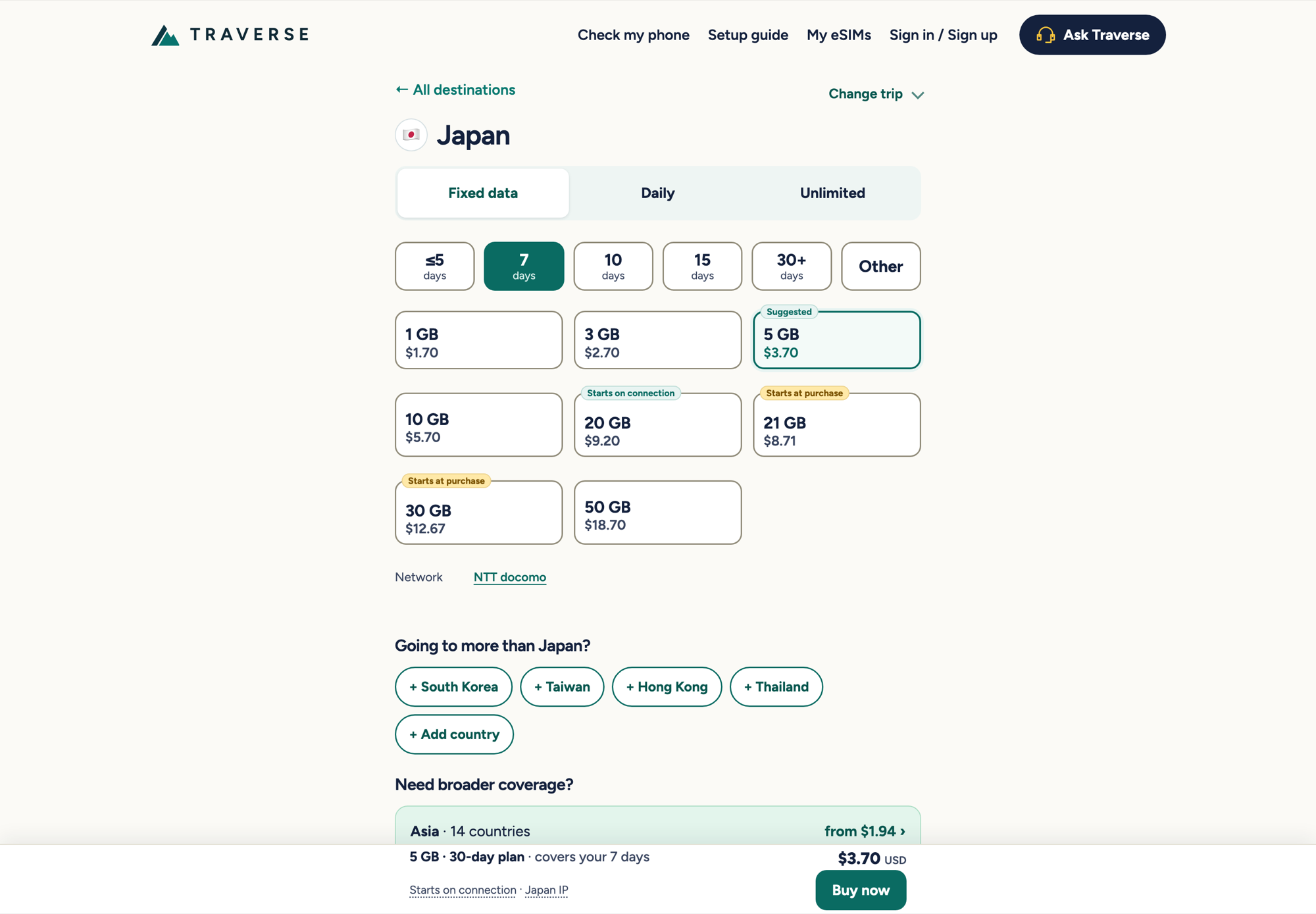
For the whole trip. Single-country plans start at a few dollars, with regional and worldwide plans for when you cross borders.
Your itinerary
Five stops. Done before takeoff.
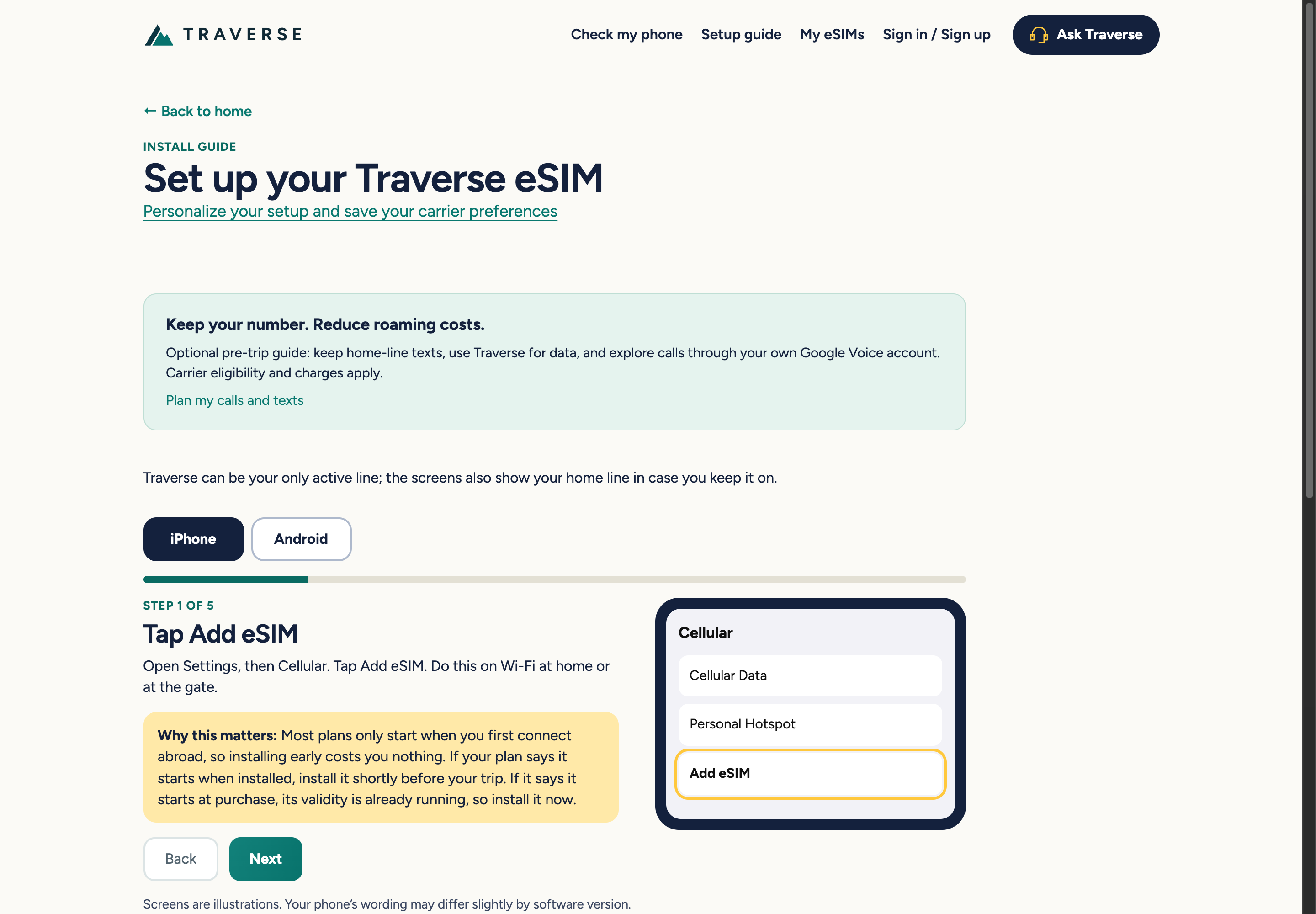
Five simple steps, each shown on a phone screen, including the settings that stop your carrier from charging you. Most plans only start when you first connect abroad, so installing early costs nothing.
- Stop 01 · On the sofa
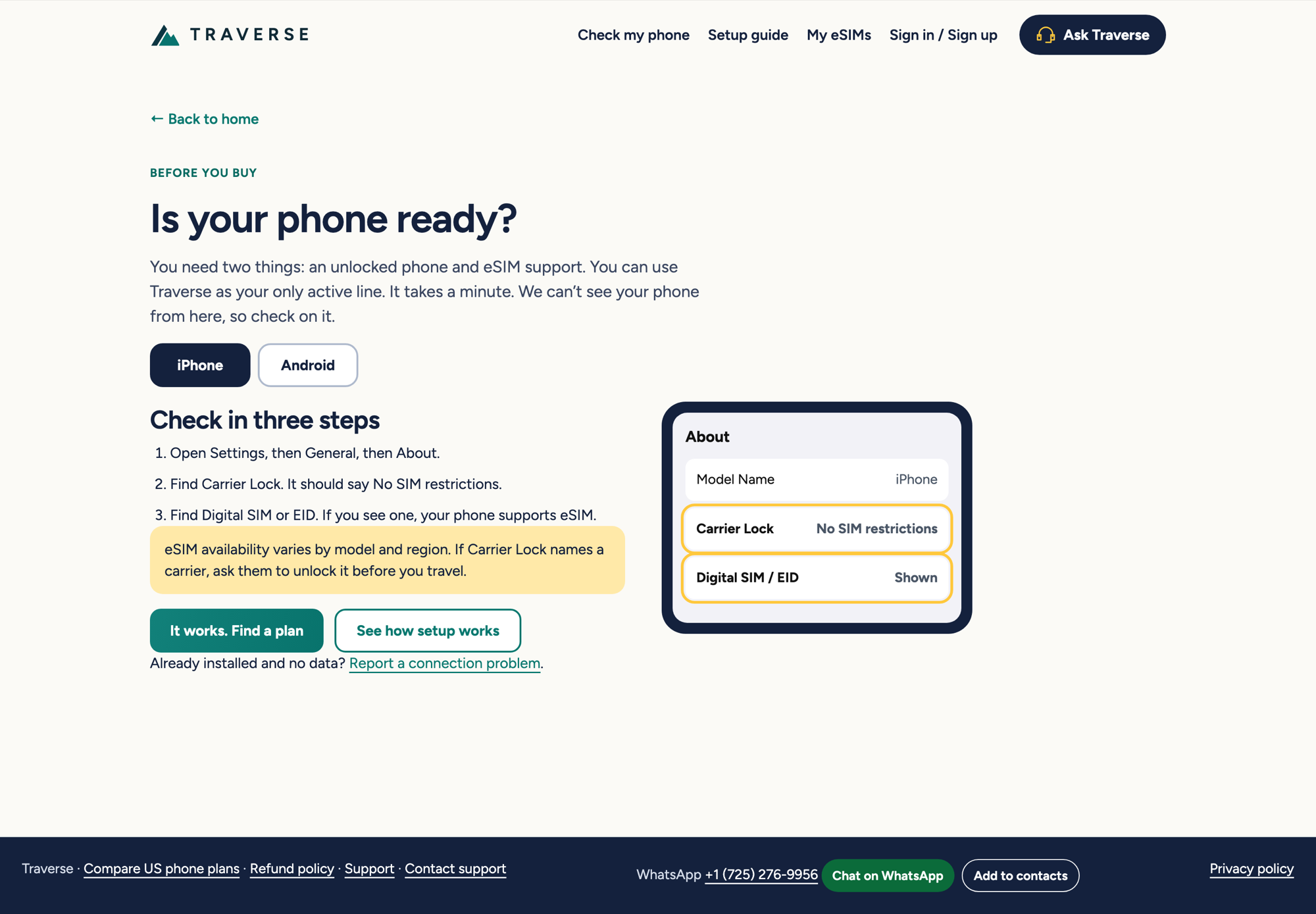
Check your phone
It needs to be unlocked and able to use an eSIM. In Settings, Carrier Lock should say “No SIM restrictions”. It takes about 30 seconds.
- Stop 02 · Still on the sofa
Pick a plan
Where you’re going, for how long, and roughly how much data.
- Stop 03 · Checkout
Pay once
No subscription, no daily fee. Your QR code and install link show up on your order page and in your email.
- Stop 04 · On Wi-Fi
Install
Open Settings → Cellular → Add eSIM while you’re on Wi-Fi, at home or at the gate.
- Stop 05 · Wheels down
Go
When you land, turn off roaming on your home line so your carrier can’t charge you for data.
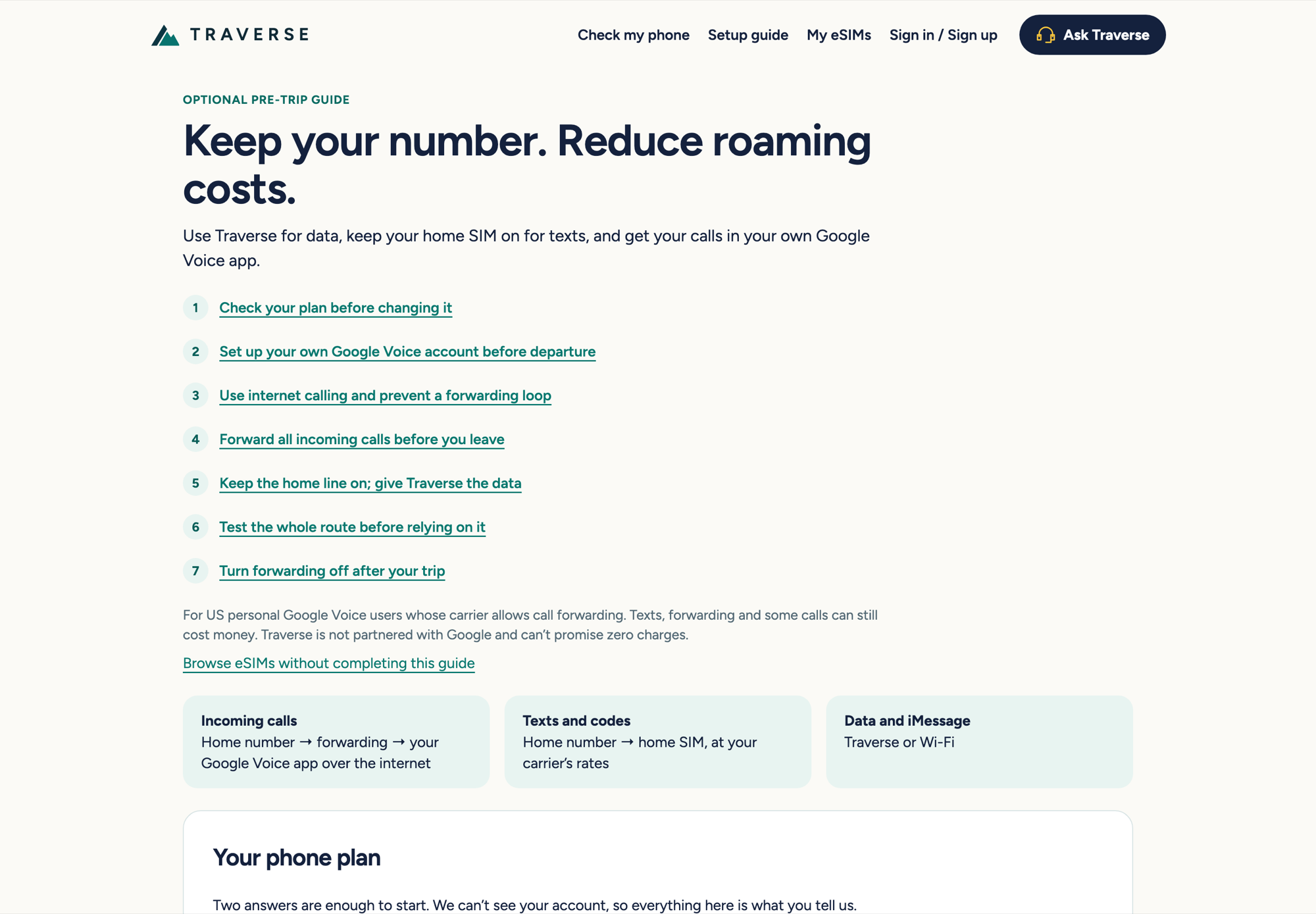
Before you board: some plans can only be installed once, so don't delete the eSIM after setting it up. Traverse is data only — regular calls and texts still go through your home line, at your carrier's rates.
Departures
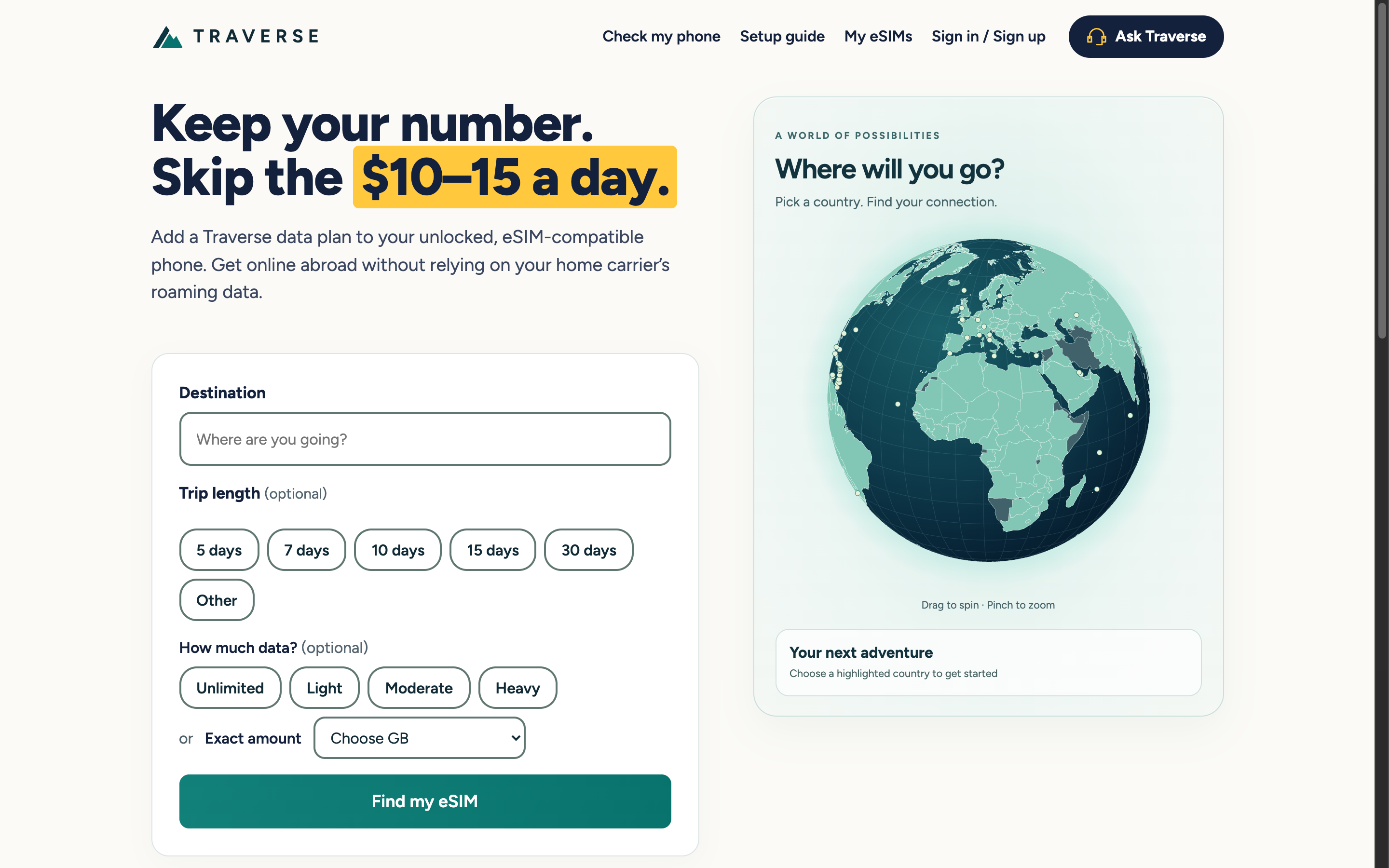
Spin the globe. See the price.
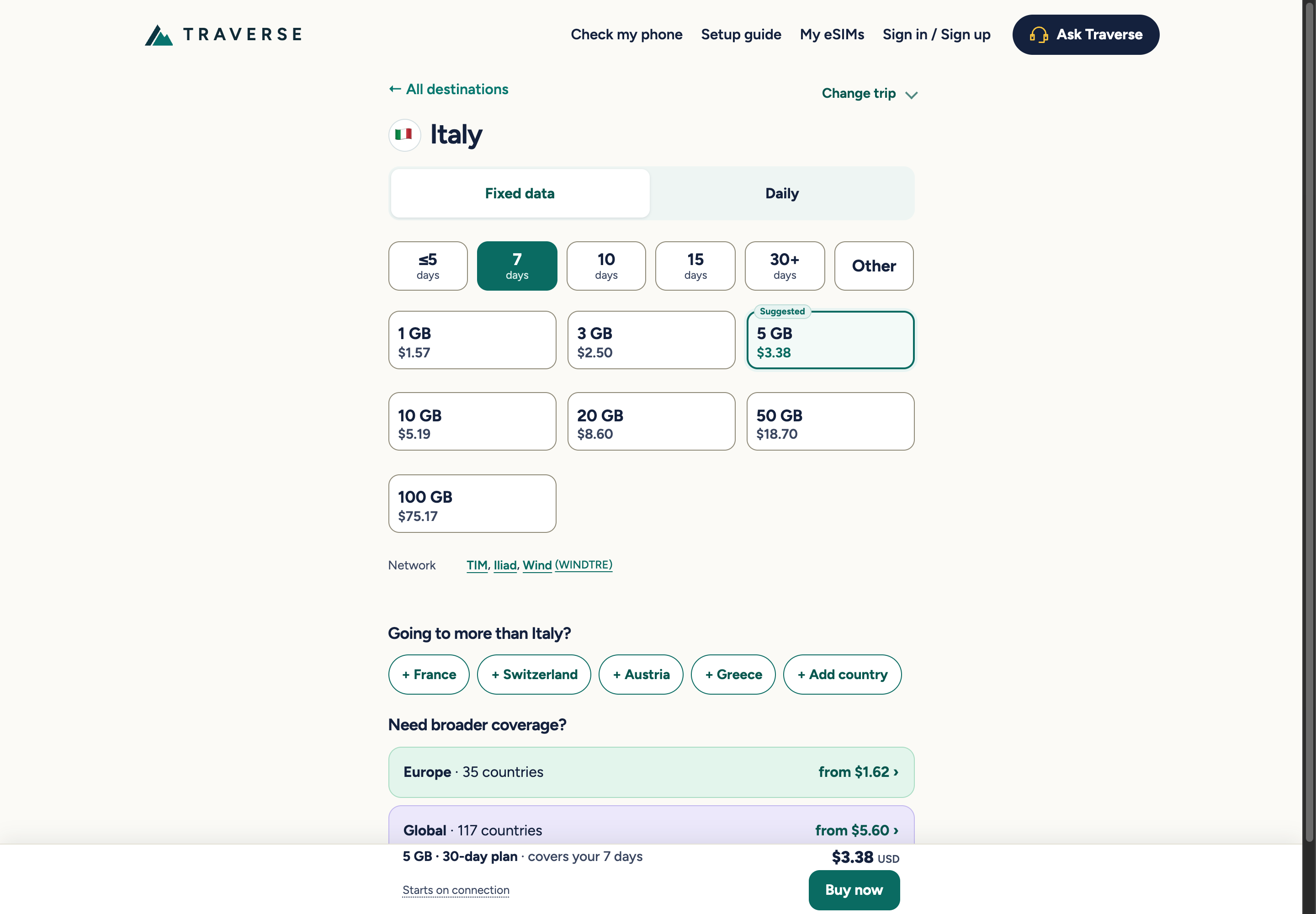
Every destination has its own page with today's plans, the local networks you'll connect to, and the price for the trip length you choose.
Customs
Nothing to declare.
Buying data for a trip should be the easy part. Here's what you can count on every time.
The price you see
Your quote is held for 15 minutes, so the price you approve is the price you pay.
Safe, simple payment
Pay by card or wallet through Stripe, with no account to create. Your eSIM is only issued once your payment is confirmed.
Up-to-date plans
Plans and prices are refreshed throughout the day. If something isn't available, we say so instead of swapping in something else.
Help when you need it
Share or gift an eSIM, top up when you run low, and ask for a refund if plans change. Get help from the built-in assistant, WhatsApp or email.
Help desk
Stuck at the gate?
Get help right on the site. Have your order number handy and we'll pick up where you left off. Trouble connecting? There's a quick form just for that.